Meet UCSB ACM
Join us to explore projects, research opportunities, and programming competitions.
Share a club meeting, recruit new members, promote a form, or bring students to your website. Promos can appear alongside the majors, courses, classes, and instructors students are browsing.
Choose event attendance, awareness, social media engagement, website visits, or form responses when you create a promo.
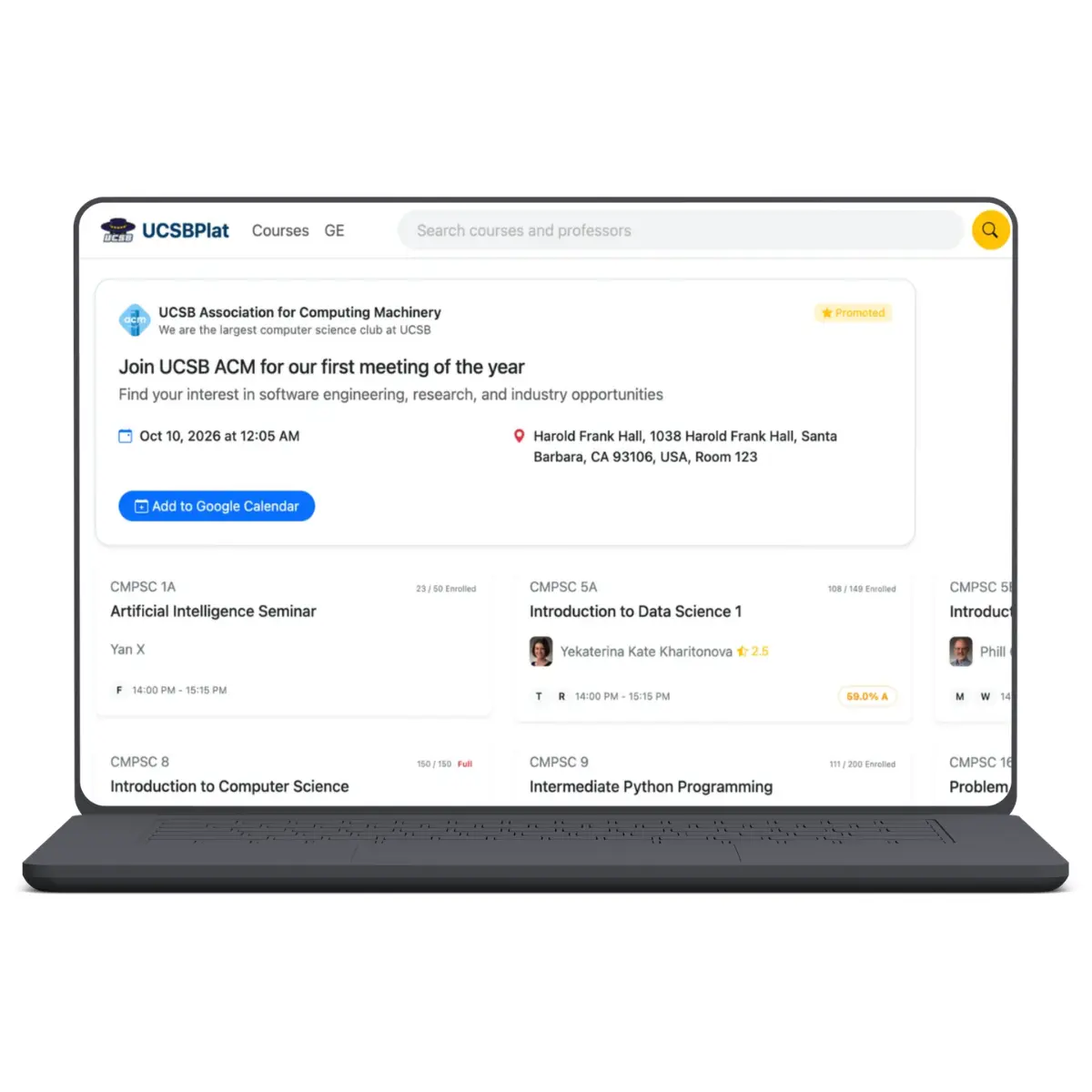
Show the event time and location, with an option to add it to Google Calendar.
Introduce your organization and link to your signup page if you have one.
Send students to Instagram, Discord, YouTube, or another supported social link.
Explain what you're raising money for and link to more information.
Bring students to your organization's website or project page.
Link directly to a signup, application, survey, or feedback form.
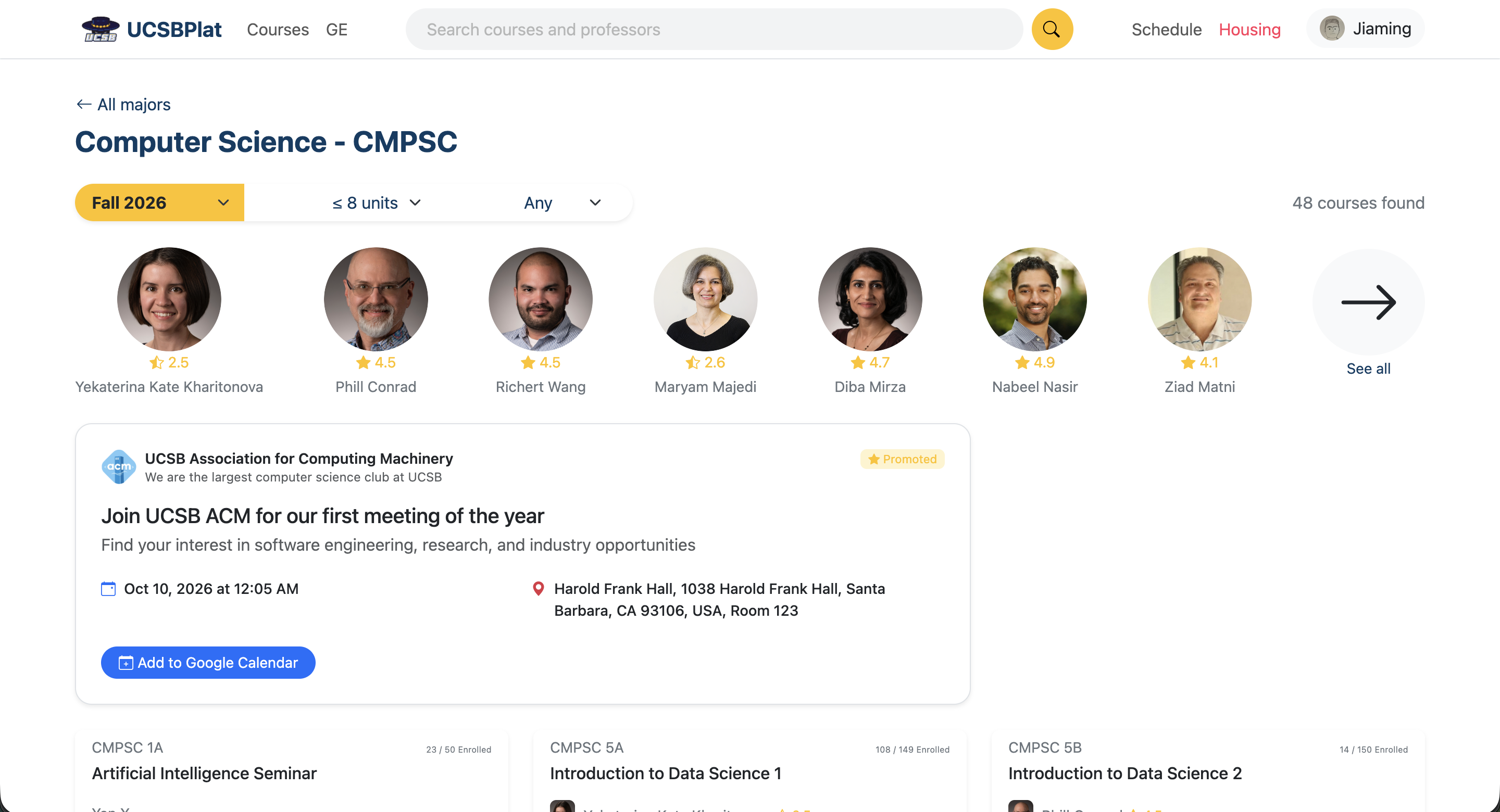
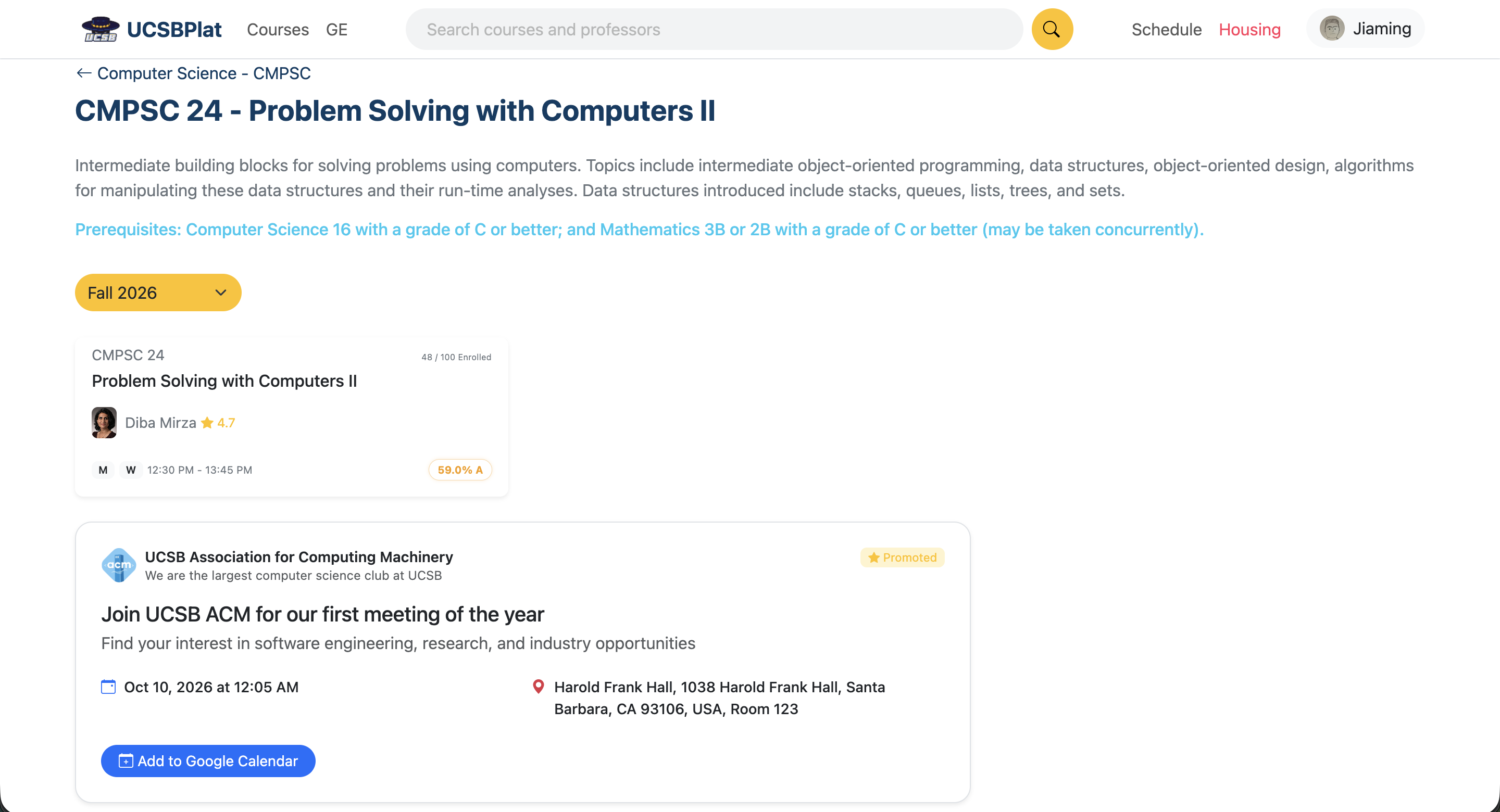
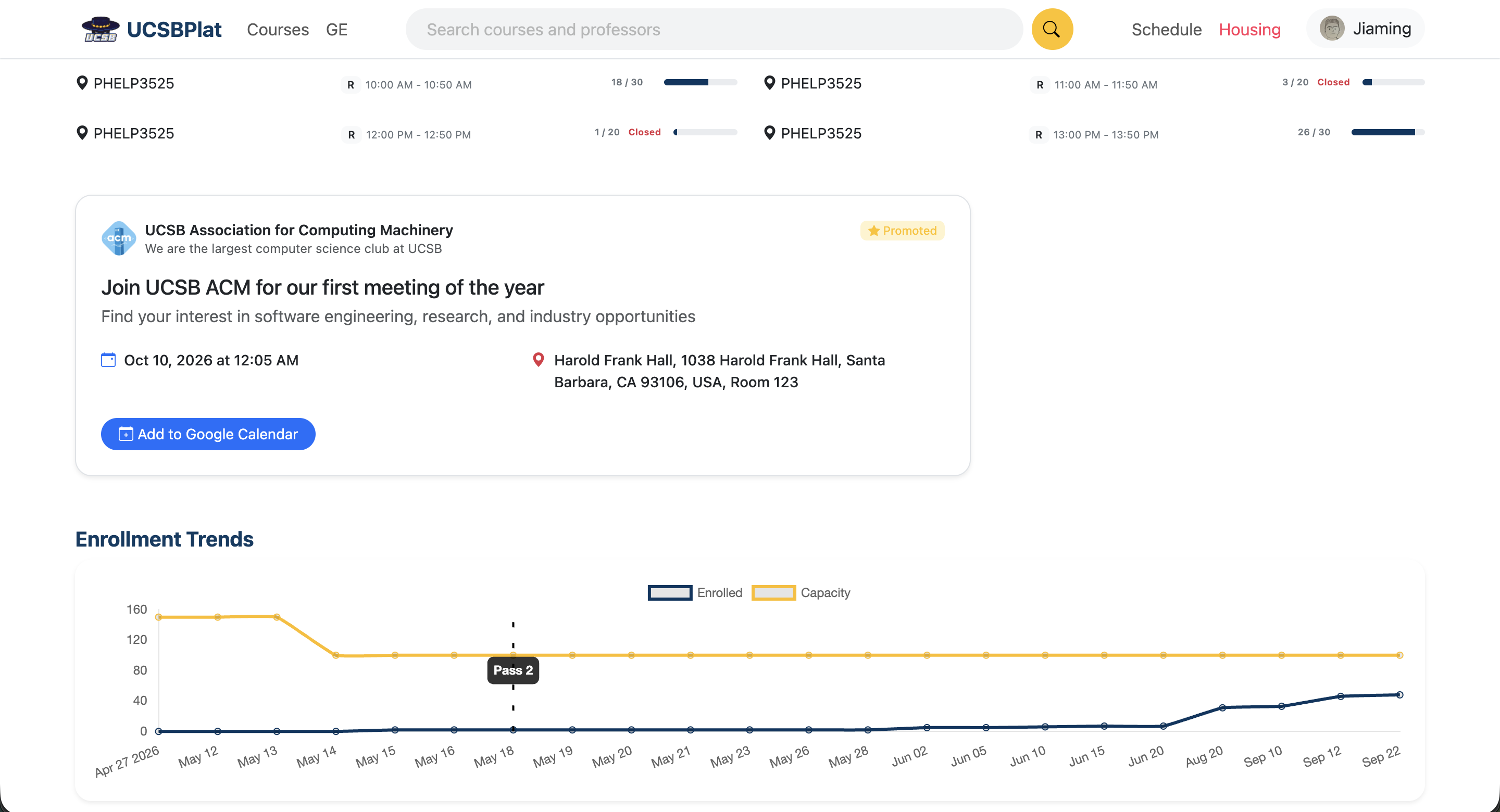
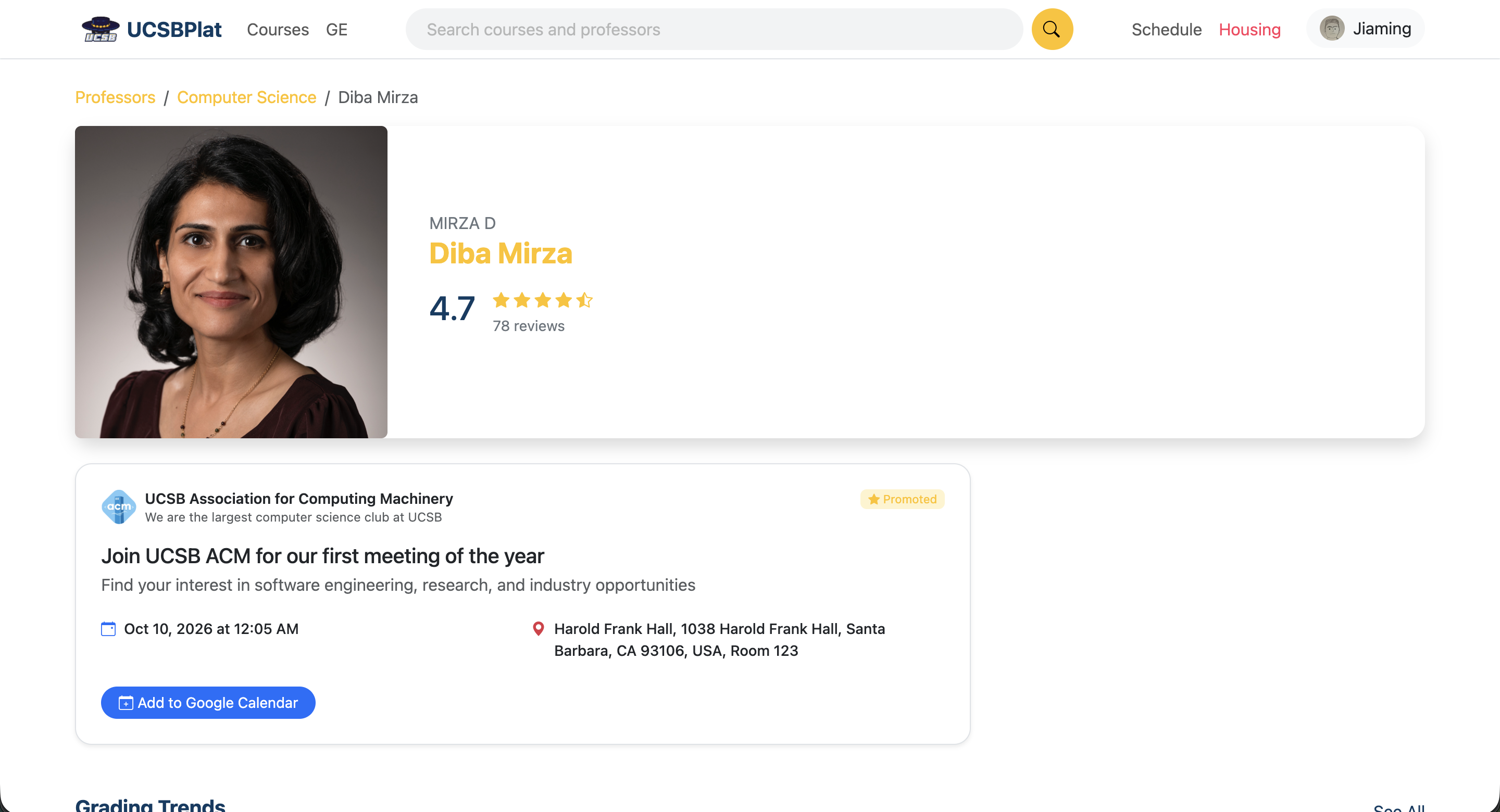
Promos will appear on these UCSBPlat pages. Target majors help match a promo to the page being viewed.
Choose target majors when you create a promo. UCSBPlat uses the major associated with the page a student is viewing to find relevant promos.
Monthly page views across major, course, and class pages
Pick one of the five promo objectives above.
Select the majors you want to reach, or choose all majors.
Use a text card or upload an image for an image card.
Add your message, links, and dates. See the card update in the live preview.
These examples use the same text and image card formats shown on UCSBPlat.
Add the time and location. Students can use the card's Google Calendar button to save the event.
Upload an image, write a headline and subheadline, and add a primary link. You can include additional links too.
Event dates in these examples have passed.
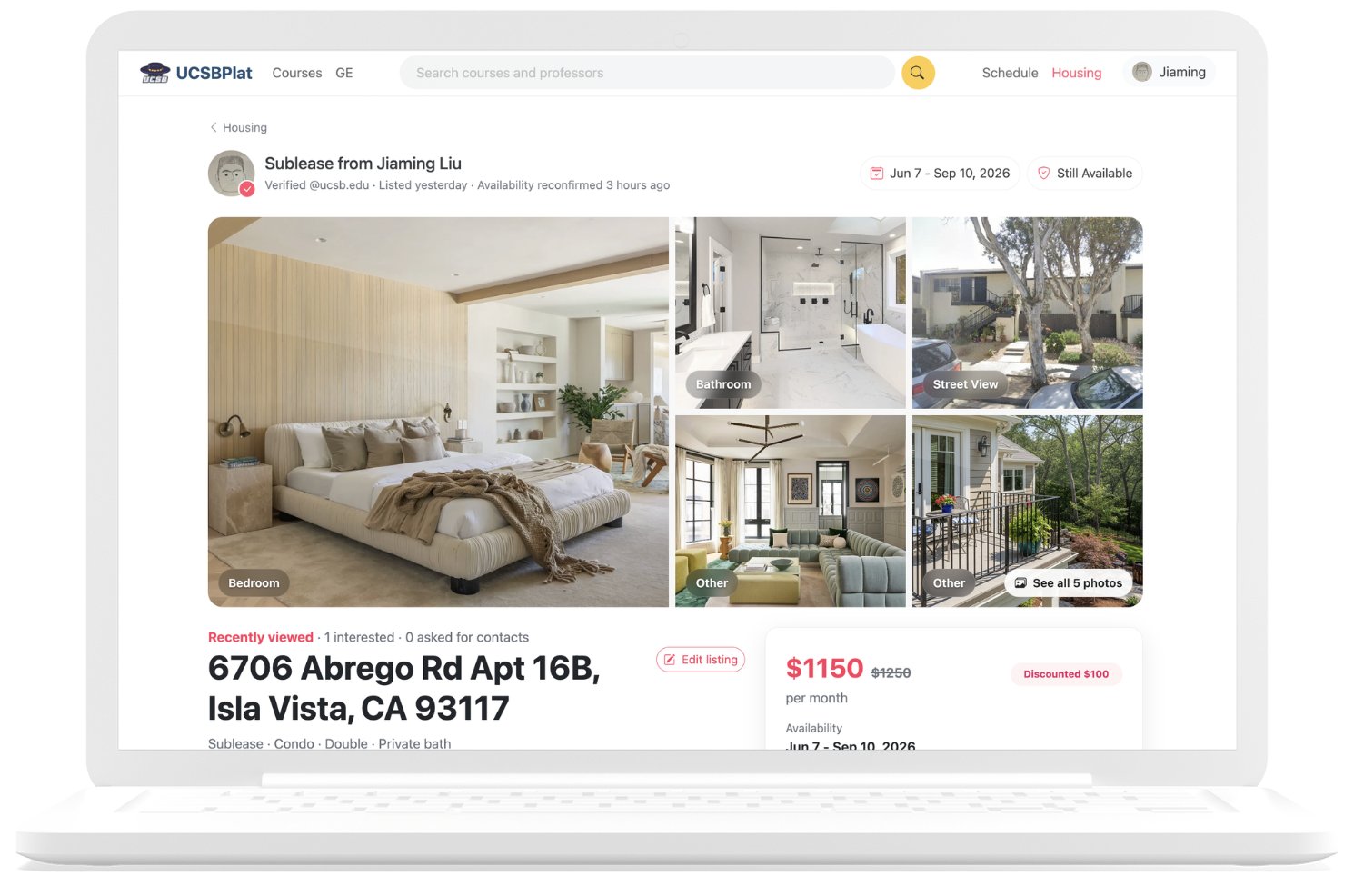
Browse subleases and lease takeovers posted by UCSB students.
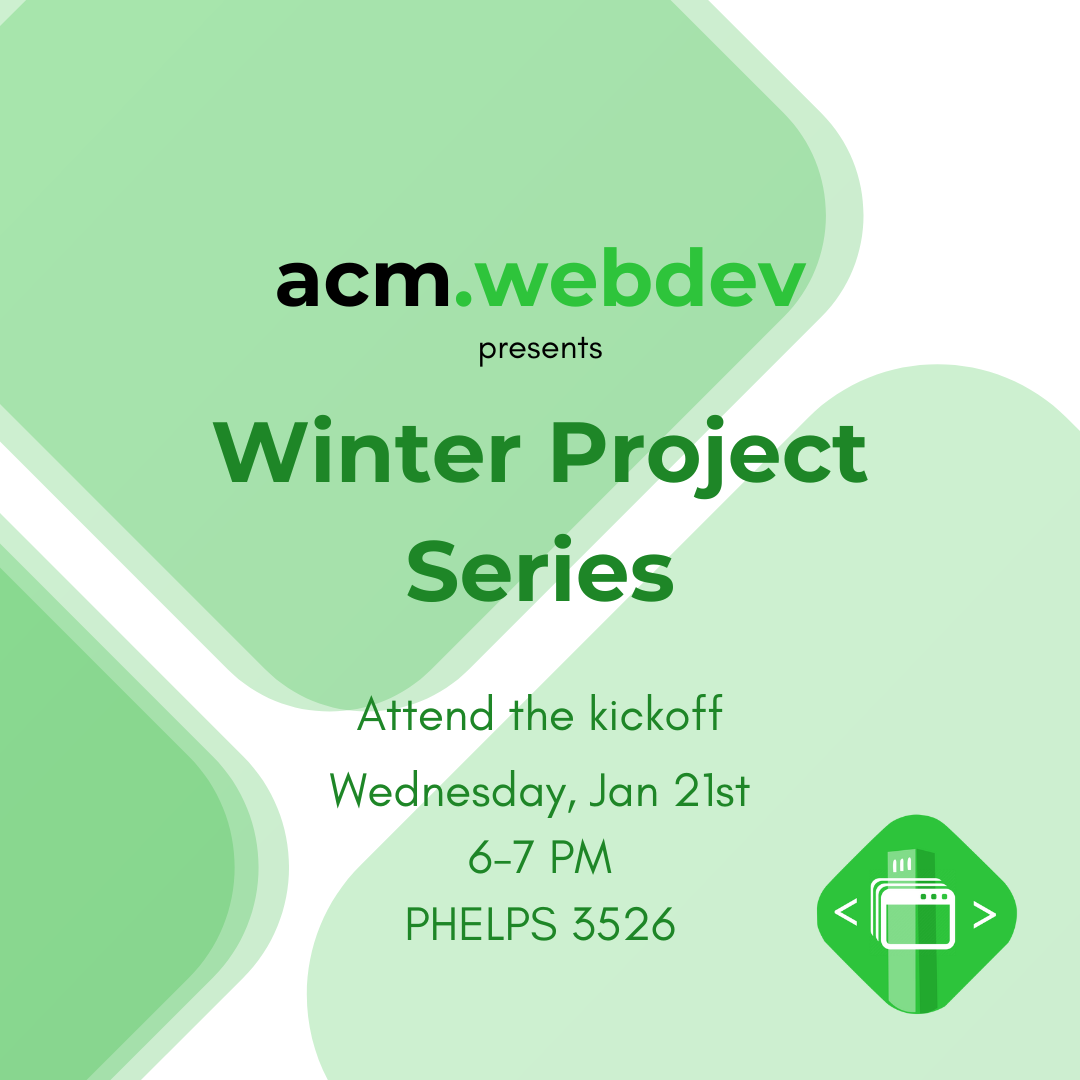
A past UCSB ACM web development project kickoff.
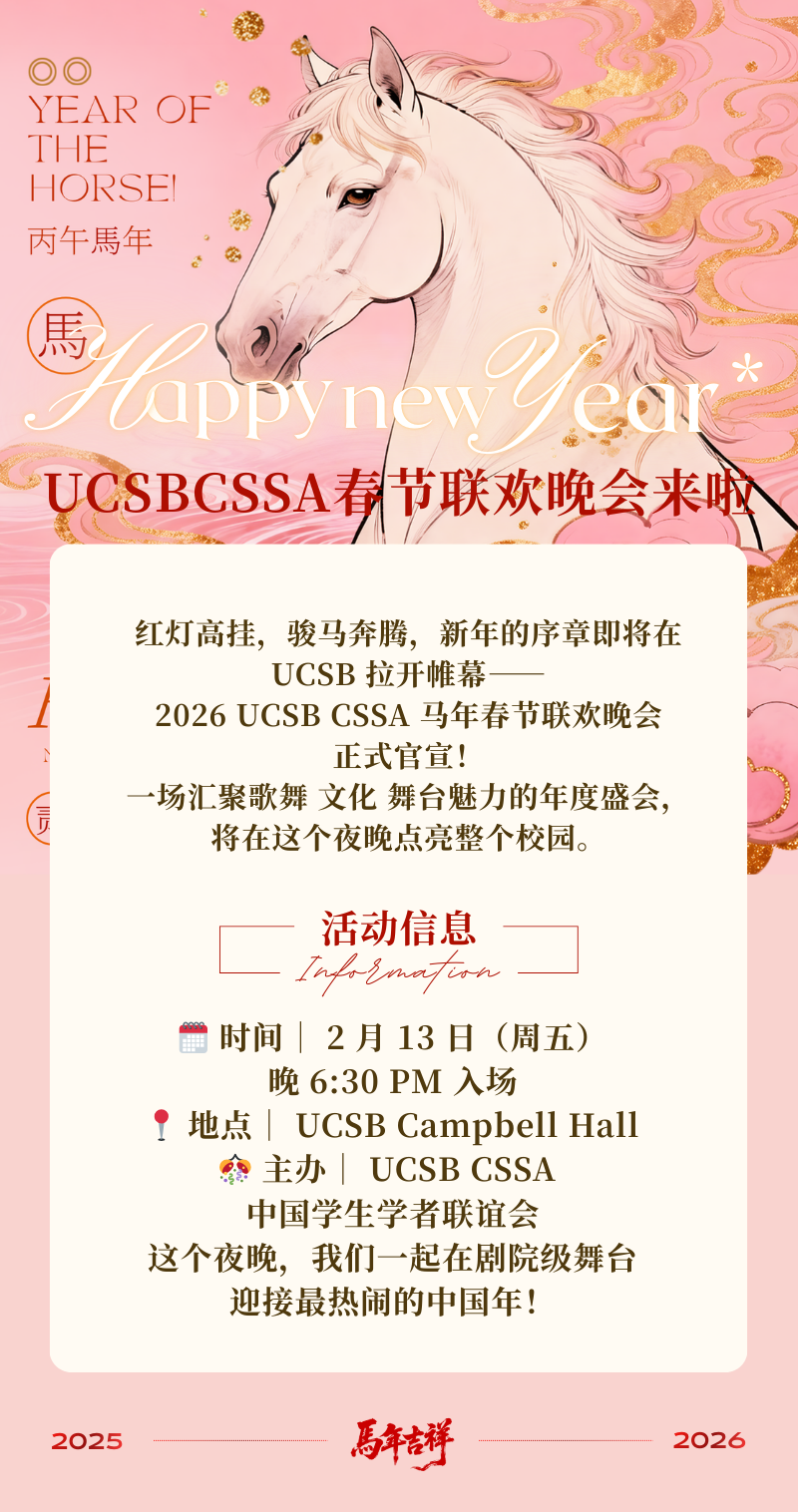
A past Lunar New Year celebration hosted by UCSB CSSA.
Create your organization's promo account to make your first promo.